
From your real mailbox
Email you send through the API shows up in the mailbox's Sent folder, and replies land in its inbox.
Let your website, CRM or ERP send email from your business address, like orders@yourcompany.com, and read incoming mail. Integrate our email API or SMTP in minutes.
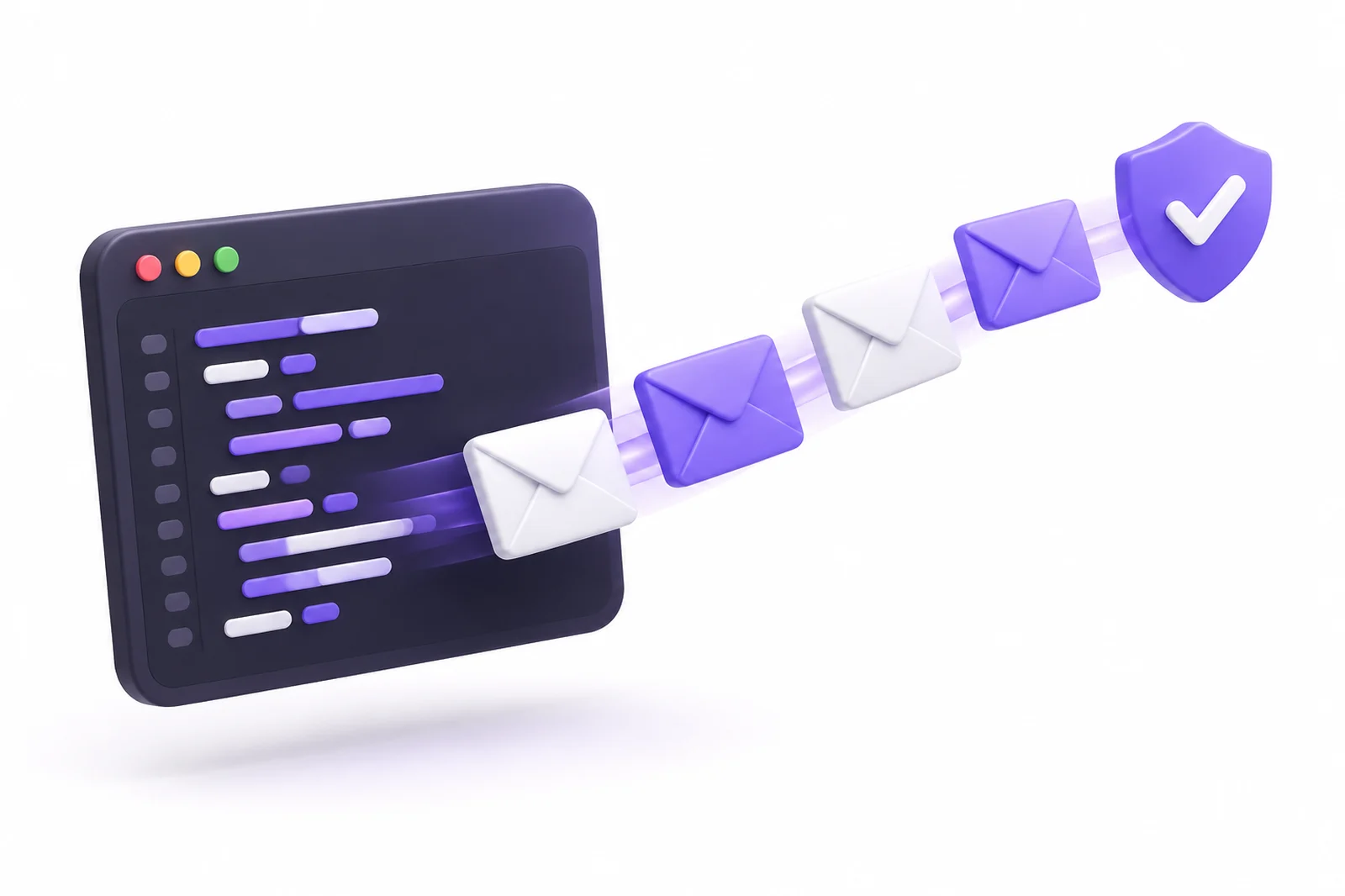
Email you send through the API shows up in the mailbox's Sent folder, and replies land in its inbox.
List the latest messages, read a single message and move the ones you have processed to the trash.
SPF, DKIM and DMARC are already set up on your domain, so your email goes out authenticated.
Each key works only for its own mailbox. The mailbox password is never used by the API.
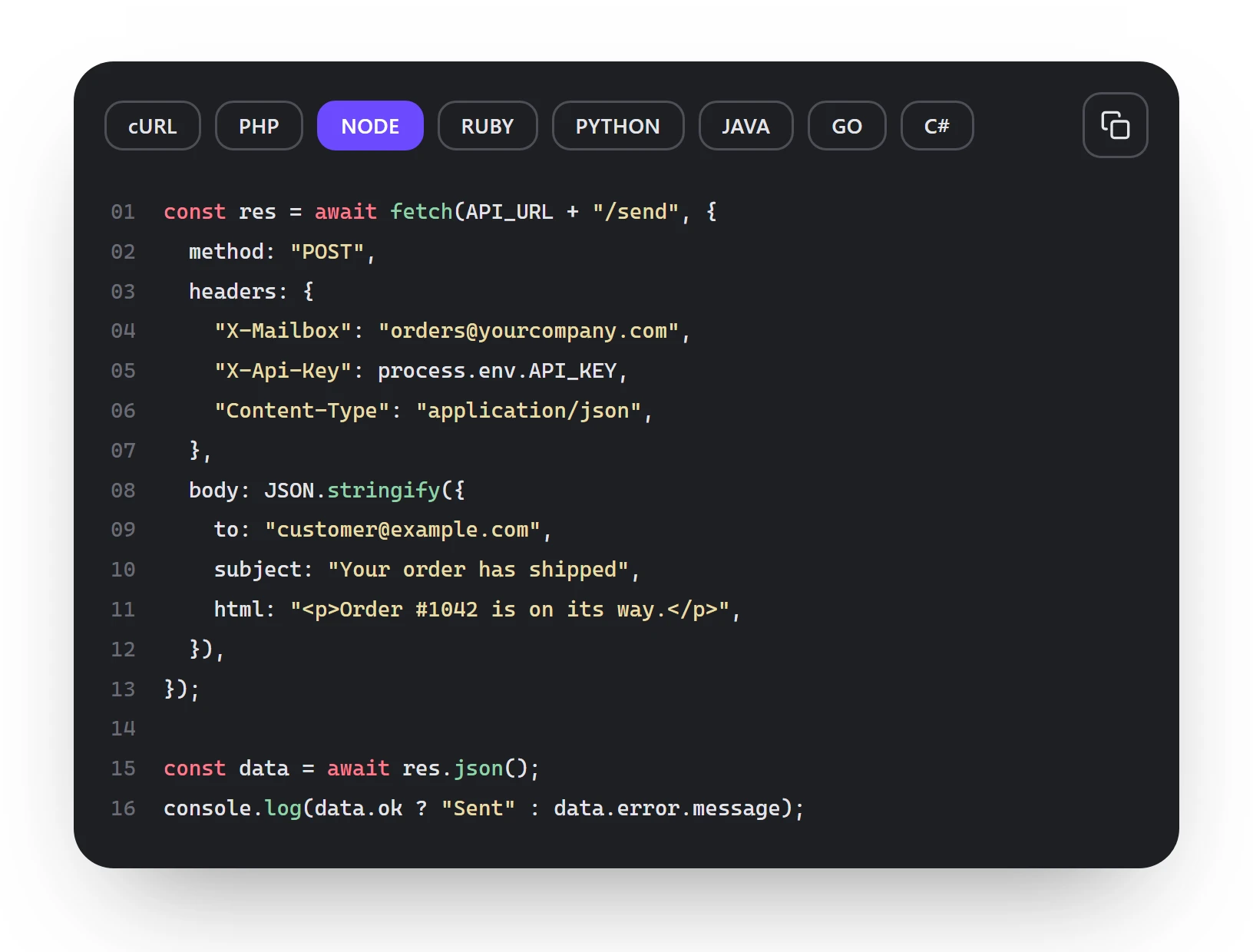
Built for developers
Send an email with a single HTTPS request. Send JSON, get JSON back: a few lines in any language.
What makes it different
No separate sending service to set up. The API is the very mailbox your company already uses.
Order received, shipped and delivered emails go out from your online store automatically.
Contact forms, quote requests and appointment confirmations reach the right person instantly.
Send reminders, payment notices and updates straight from your customer records.
Read orders or applications that arrive in a mailbox and save them into your system.
We enable the API for your company, and an API section appears in your company panel.
In the panel, click "Enable API" next to a mailbox to get a key for that mailbox.
Run the sample code in your language. The email goes out under that mailbox's name.
Sending newsletters or campaigns? The API is for one-by-one messages. For bulk sending, use Bulk Email.
It is an interface that lets your software send and read email. With the Perap Mail API, your website or business software sends email on behalf of your business mailbox over HTTPS and reads incoming messages.
You can send with SMTP too; every mailbox supports it. The API is a simpler way that works with JSON, lets you read incoming email and returns clear error codes.
The API is for individual messages such as orders, appointments and form notifications. For newsletters and campaigns, use our Bulk Email service, where unsubscribes and list cleaning are automatic.
Up to 10 recipients per email, a per-minute request limit per key and the mailbox's daily sending limit. These limits protect your domain's reputation.
Connections are HTTPS only. Each key works only for its own mailbox, the mailbox password is never used, and you can renew a key at any time. Built on GDPR compliant infrastructure.
Any language that can make an HTTP request: PHP, Node.js, Python, Ruby, Java, Go, C# and more. No special library is needed.
API access is enabled according to your plan. Tell us what you need and we will find the right plan together.
Write to us for API access. We will enable it for your company and help with your first send.

AI can make mistakes. Please don't share passwords or personal data.